MURDILIMAX WORLD ATLAS · TECH

Technology

Explore reliable guides, memorable facts and practical tools. We publish carefully researched topics and make clear where local rules or professional advice matter.

✳ Discover the world, one topic at a time

✳

Explore reliable guides, memorable facts and practical tools. We publish carefully researched topics and make clear where local rules or professional advice matter.

Explore this collection

Browse guides

← All topics
↗Technology · 3 min readUpgrading an older Ryzen PC: motherboard, BIOS and CPU checklistA step-by-step AM4 upgrade plan: identify the exact board, confirm BIOS support, protect your files and test the result.
↗Technology · 3 min readDDR4 vs DDR5: compatibility, speed and whether to upgradeCan you mix DDR4 and DDR5? Understand socket differences, platform support, capacity and realistic performance.
↗Technology · 3 min readSSD vs HDD: which storage is better for your computer?Compare responsiveness, price per gigabyte, durability, interfaces and backup needs before choosing a drive.
↗Technology · 2 min readWindows 10 in 2026: is it still safe to use?Support ended in 2025. Here is what still works, what changed, and the sensible next steps.
↗Technology · 2 min readNew SSD not showing up in Windows? Check these firstA careful troubleshooting order that avoids accidentally erasing an existing drive.
↗Technology · 1 min readWindows won't start: a recovery checklist that protects your filesBefore reinstalling anything, try the least destructive options in the right order.
↗Technology · 1 min readHow to free up space on Windows without deleting important filesStart with safe built-in tools, not mystery cleaners or risky system folders.
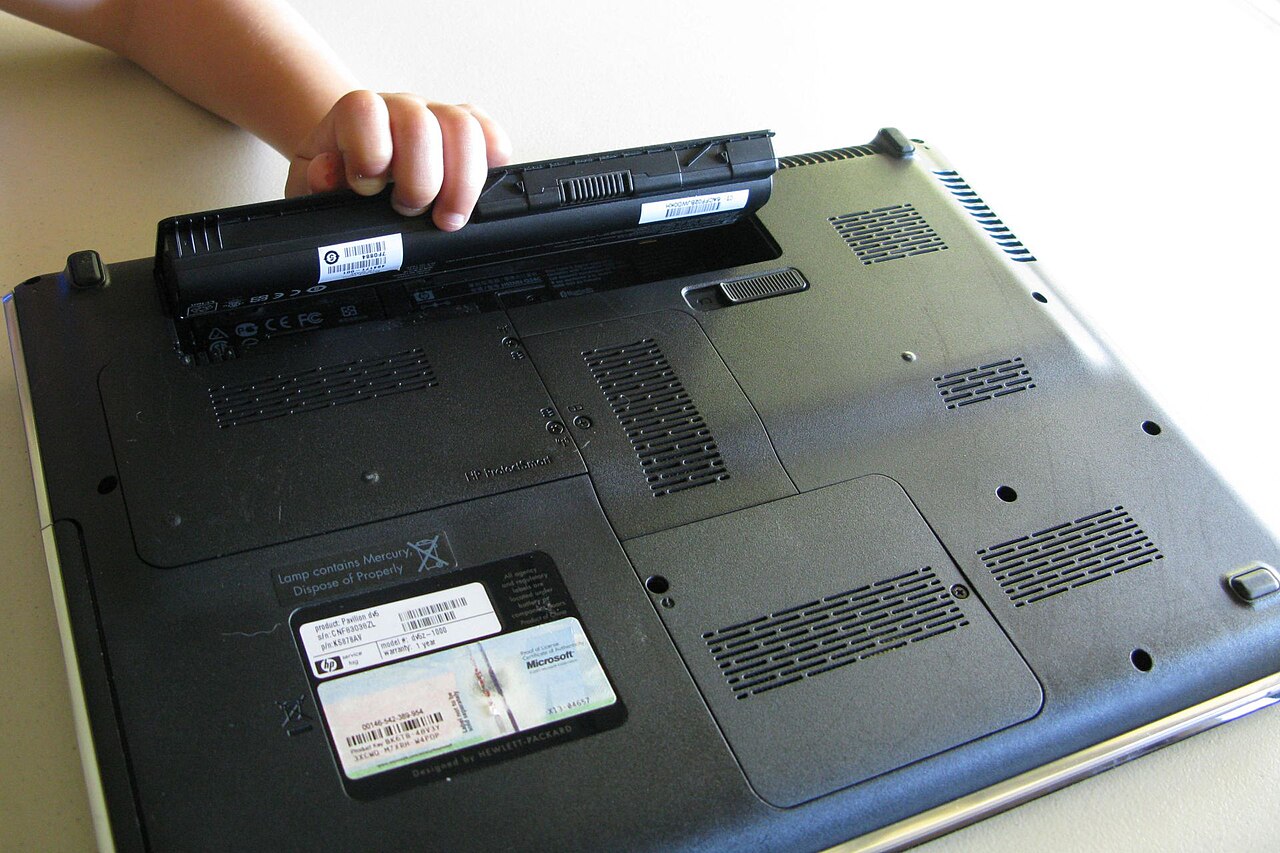
↗Technology · 1 min readLaptop battery health: everyday habits that really matterLithium-ion batteries age, but excessive heat and long storage at extremes can make it worse.
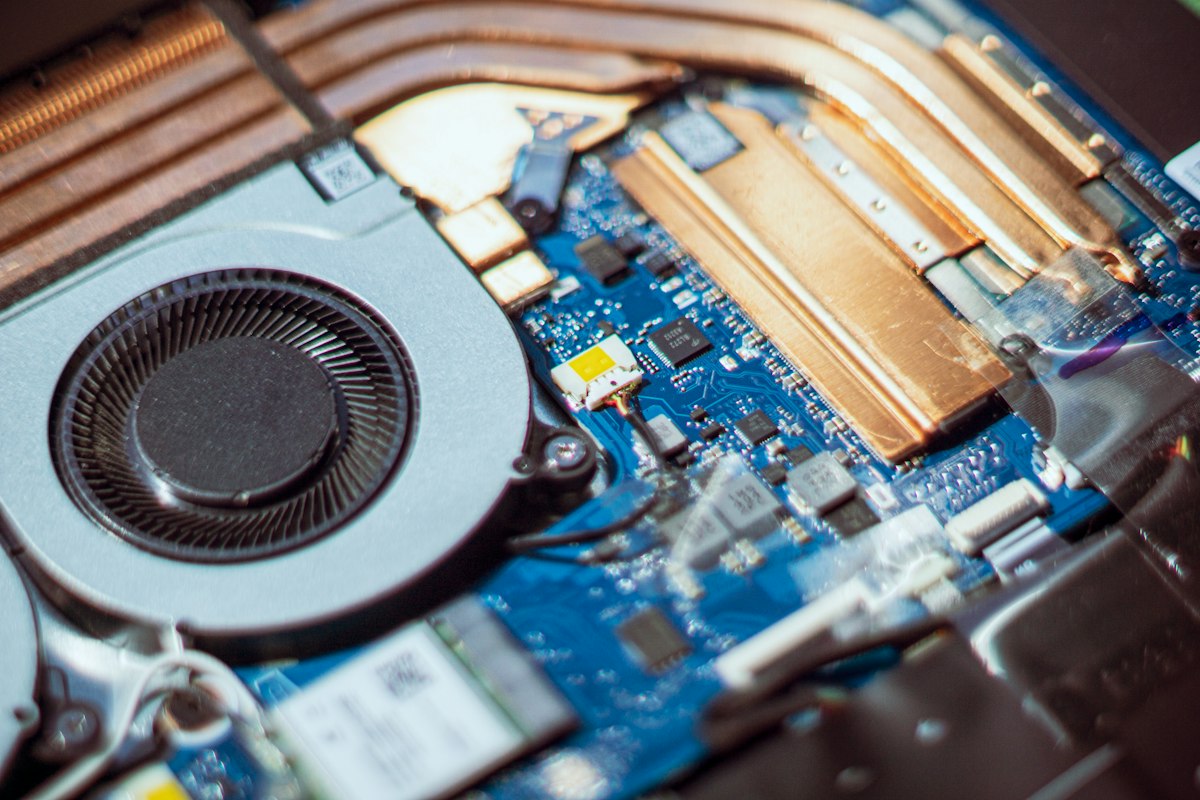
Laptop running hot? A safe overheating troubleshooting checklist↗Technology · 3 min readLaptop running hot? A safe overheating troubleshooting checklistDistinguish normal fan noise from blocked airflow, heavy background tasks and faults that need professional service.
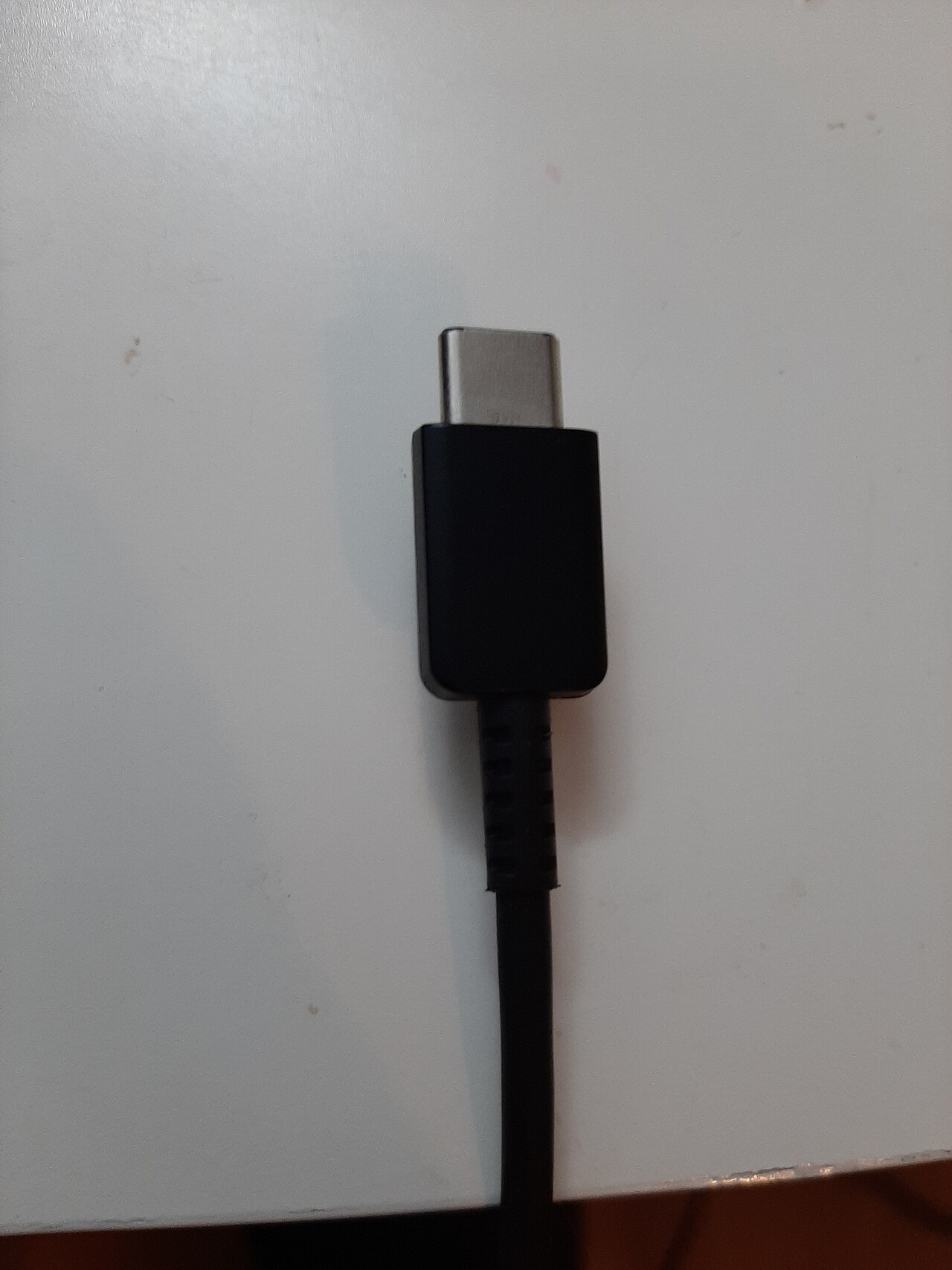
USB-C cables: check charging, data and display support↗Technology · 2 min readUSB-C cables: check charging, data and display supportThe same connector can hide different capabilities. Match the whole connection to the task before replacing hardware.
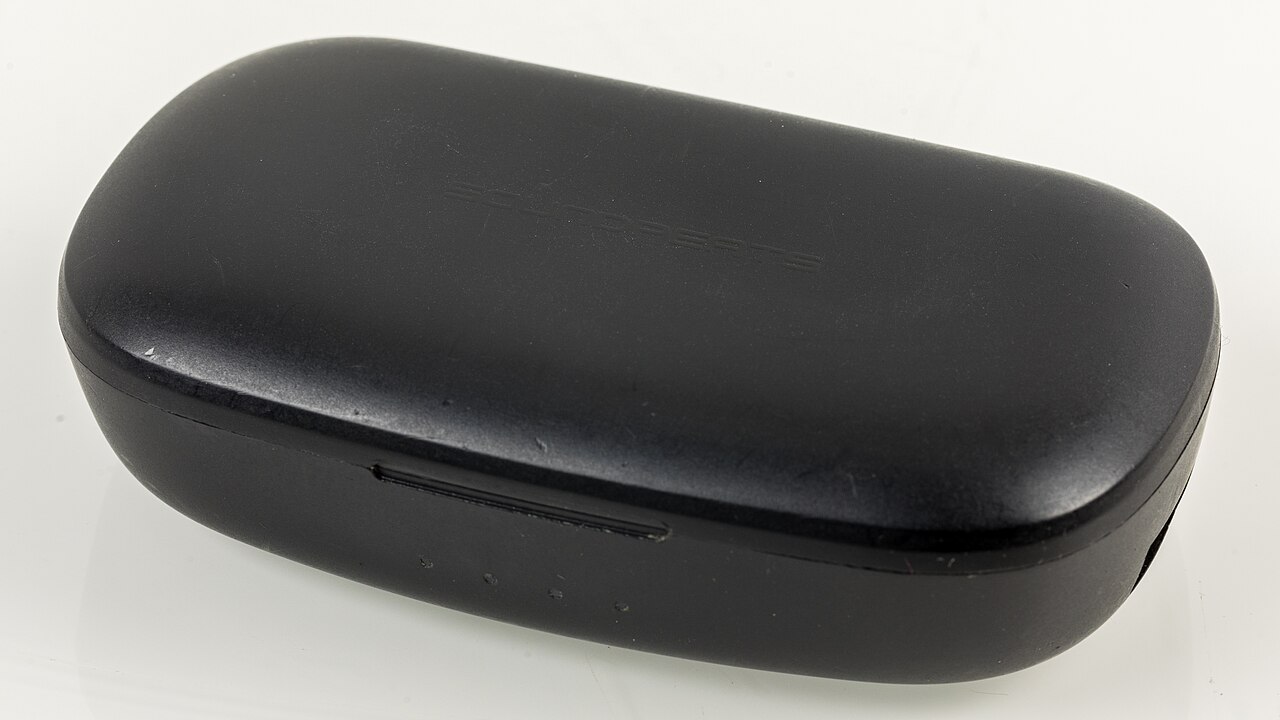
Wireless Bluetooth earbuds with charging case displayed for product photography↗Technology · 3 min readBluetooth headphones connected but no sound in Windows: 7 checksStart with the correct playback device before reinstalling anything. These checks also help with speakers that connect but remain silent.
A USB flash drive plugged into a laptop, photographed close up↗Technology · 4 min readUSB drive not showing up in Windows: how to find it without losing filesFollow safe checks for a flash drive that lights up but does not appear in File Explorer. Protect any important files before taking repair steps.
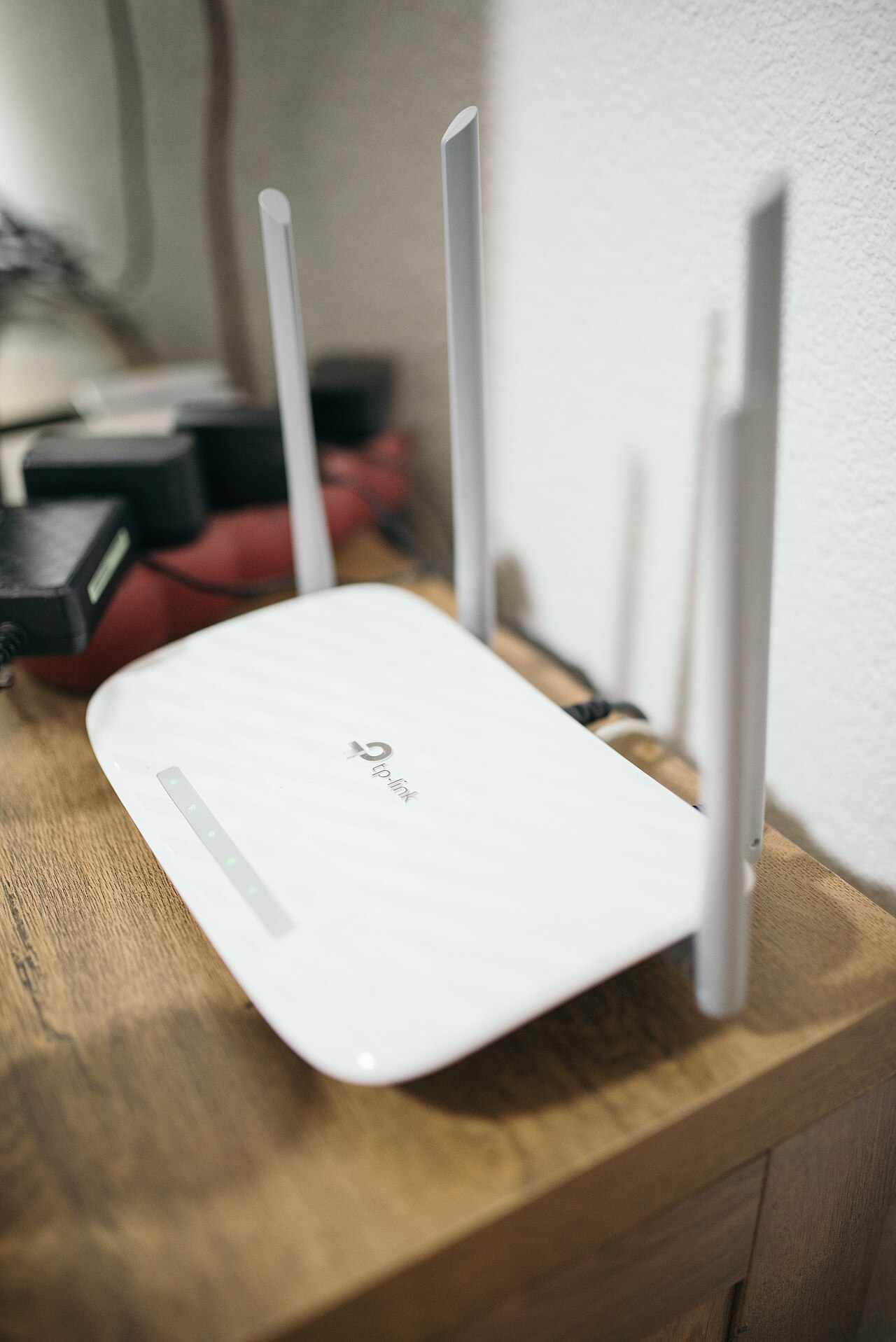
Real home Wi-Fi router with four antennas and cables on a wooden table↗Technology · 3 min readWi-Fi connected but no internet in Windows: diagnose the right causeA connection to a router is not always a connection to the internet. Identify which part is failing before changing network settings.
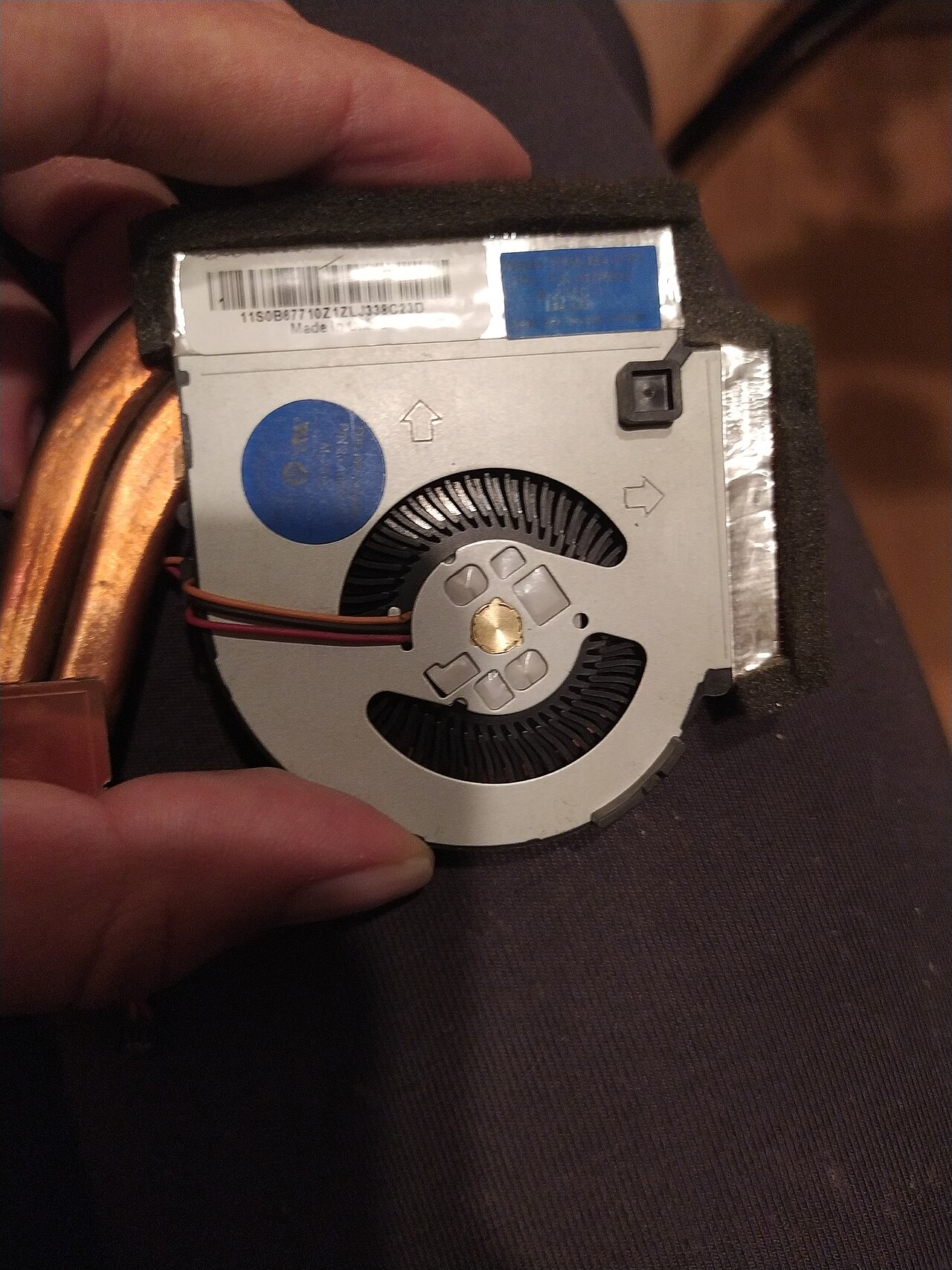
Close-up photograph of a laptop cooling fan removed from a ThinkPad↗Technology · 4 min readLaptop fan loud when idle: how to find the cause safelyA loud fan may be cooling a busy processor even when the desktop looks empty. Use these checks to narrow the cause before opening the case.
Real wireless Bluetooth earbuds in a charging case↗Technology · 3 min readWhy Bluetooth keeps disconnecting: fix dropouts on Windows and headphonesRepeated Bluetooth dropouts are different from a headset connecting with no sound. Isolate the cause before reinstalling anything.
Real photograph of a keyboard's End and PrtSc function key, used to take screenshots on Windows laptops↗Technology · 5 min readHow to Take a Screenshot in Windows 11 and 10Capture one area, an active window or the whole desktop—then save the picture or paste it into a message without installing another app.
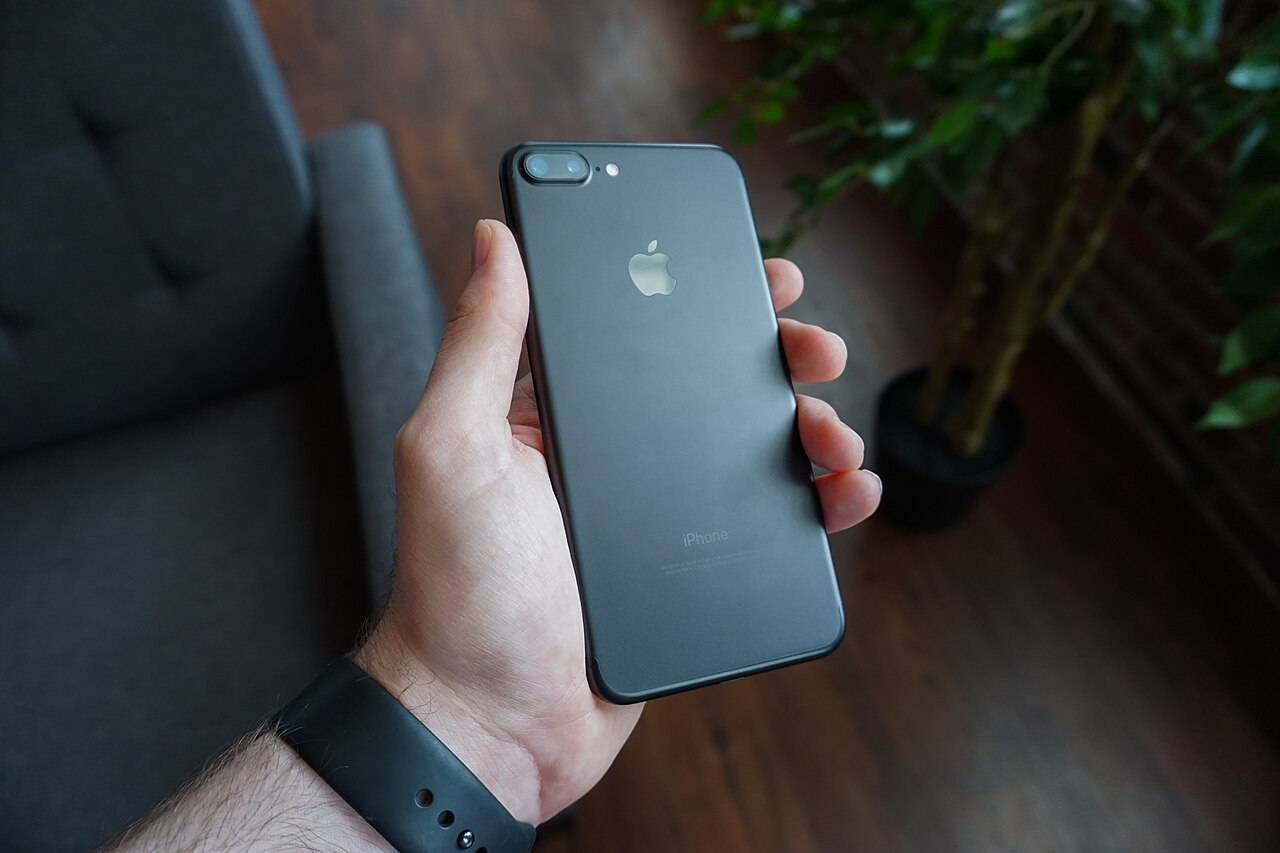
A black smartphone held in a hand, viewed from the back↗Technology · 3 min readPhone shuts down in cold weather: what to do before chargingUnderstand a fast-dropping battery level, warm a phone gradually and distinguish temperature-related charging pauses from liquid warnings.