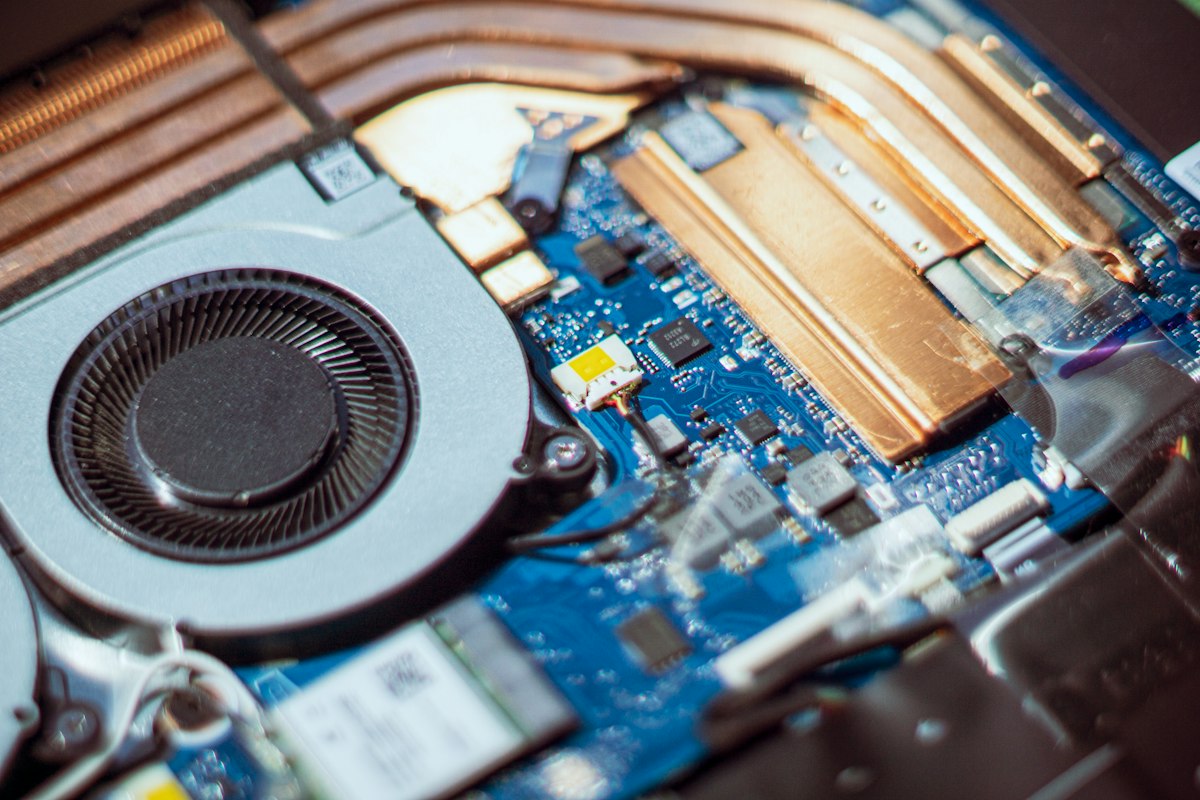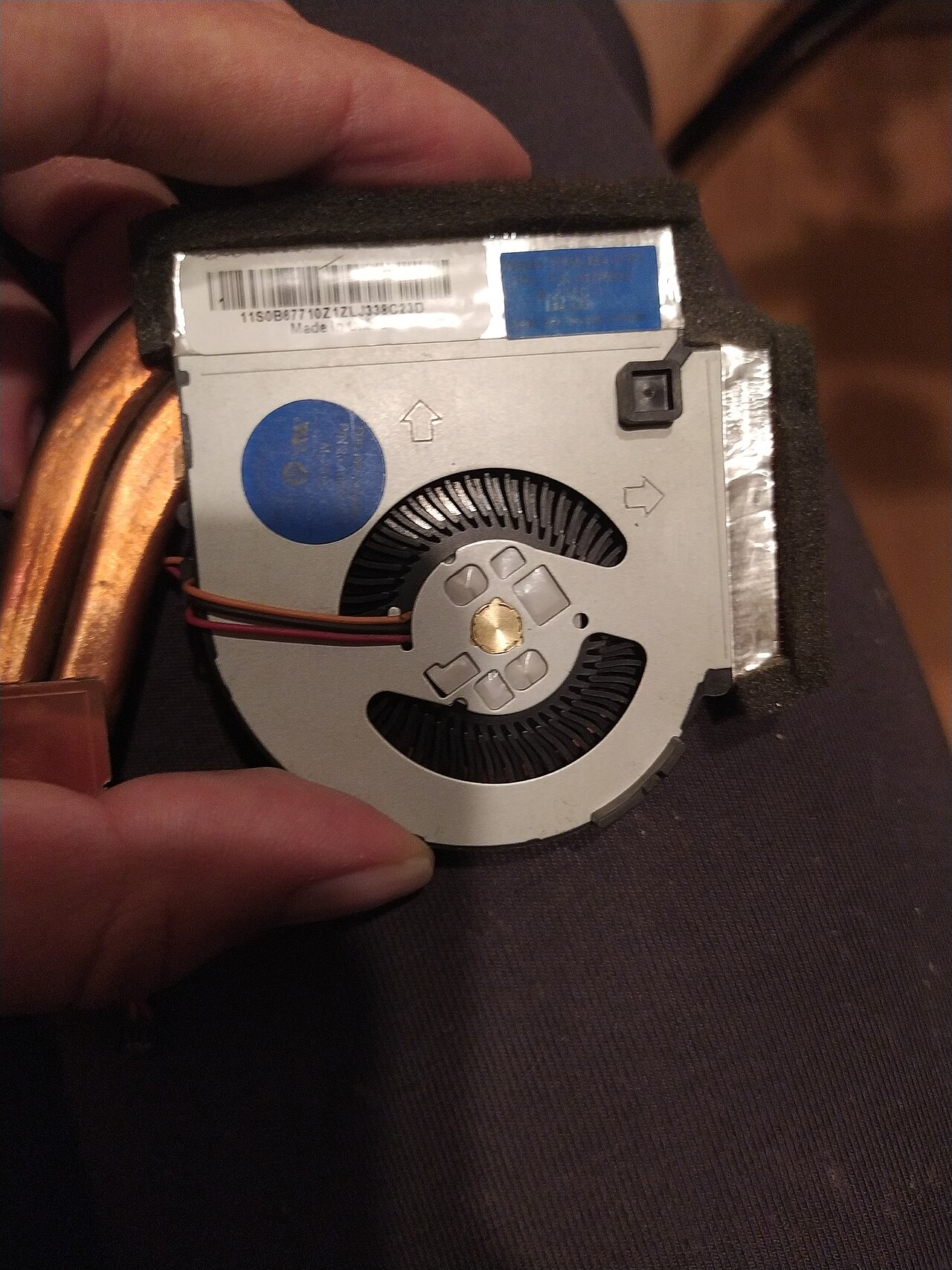
Heat is a real concern
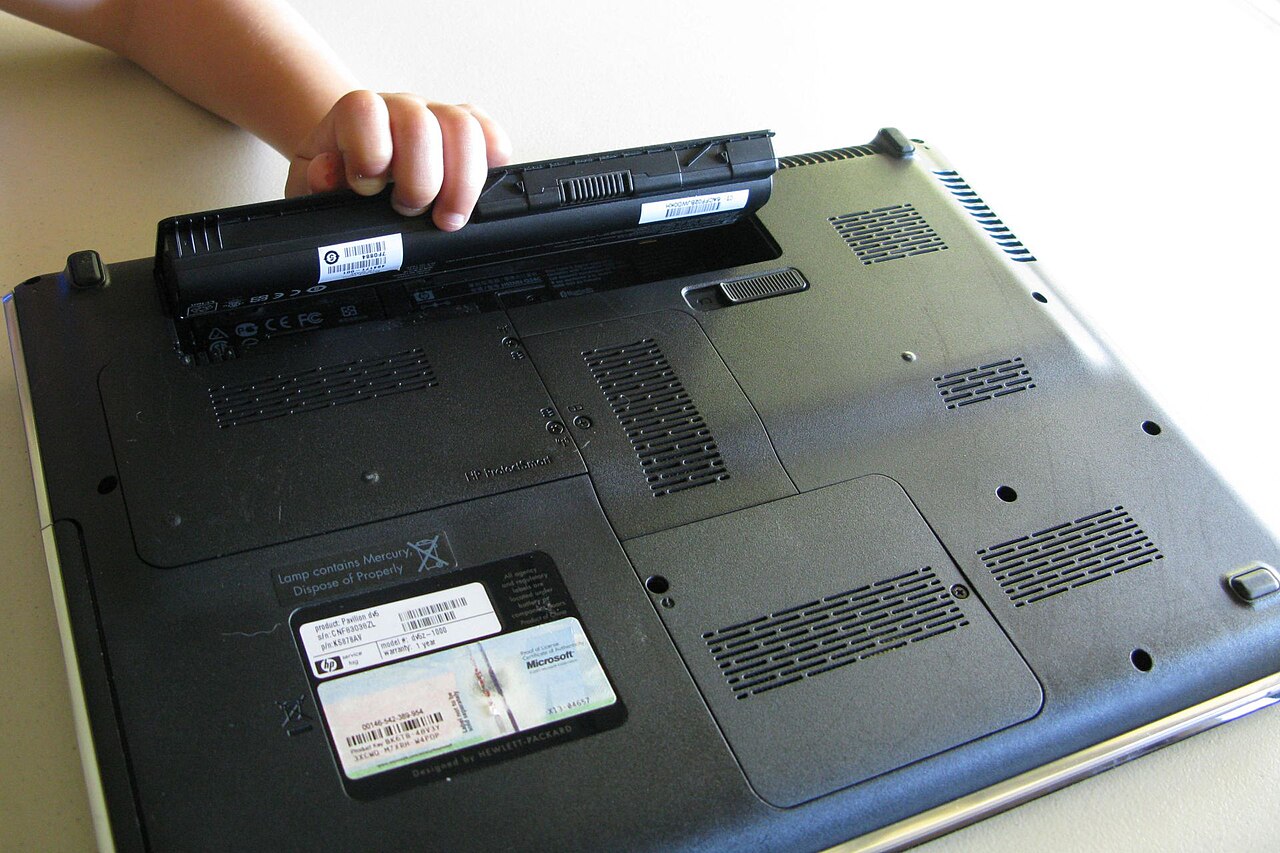
Lithium-ion batteries lose capacity over time, and excessive heat can accelerate degradation. Avoid leaving a running laptop in a hot car, in direct sun or on soft surfaces that block cooling. Stop using a battery that is swollen or physically damaged.
Understand charging habits
A modern laptop manages charging electronically, but holding the battery at very high charge under hot conditions for long periods can increase wear. If your manufacturer provides a battery-care or charge-limit mode, read the official manual before enabling it.
Long-term storage differs from daily use
For a laptop stored for many weeks, Microsoft suggests a moderate state of charge, roughly 40–60%, rather than full or empty. Store the device in a cool, dry place and check it periodically if the manufacturer's guidance recommends that.
Check the problem before replacing parts
Unexpected shutdowns, short runtime and unexpected heat can have different causes, including software workload and aging cells. Use the vendor's diagnostic tools and seek a qualified repair service for damaged batteries; do not puncture or dismantle them.
Information for general education. Check device specifications and manufacturer instructions before changing hardware.
Share this article