DDR4 and DDR5 cannot be mixed in one motherboard
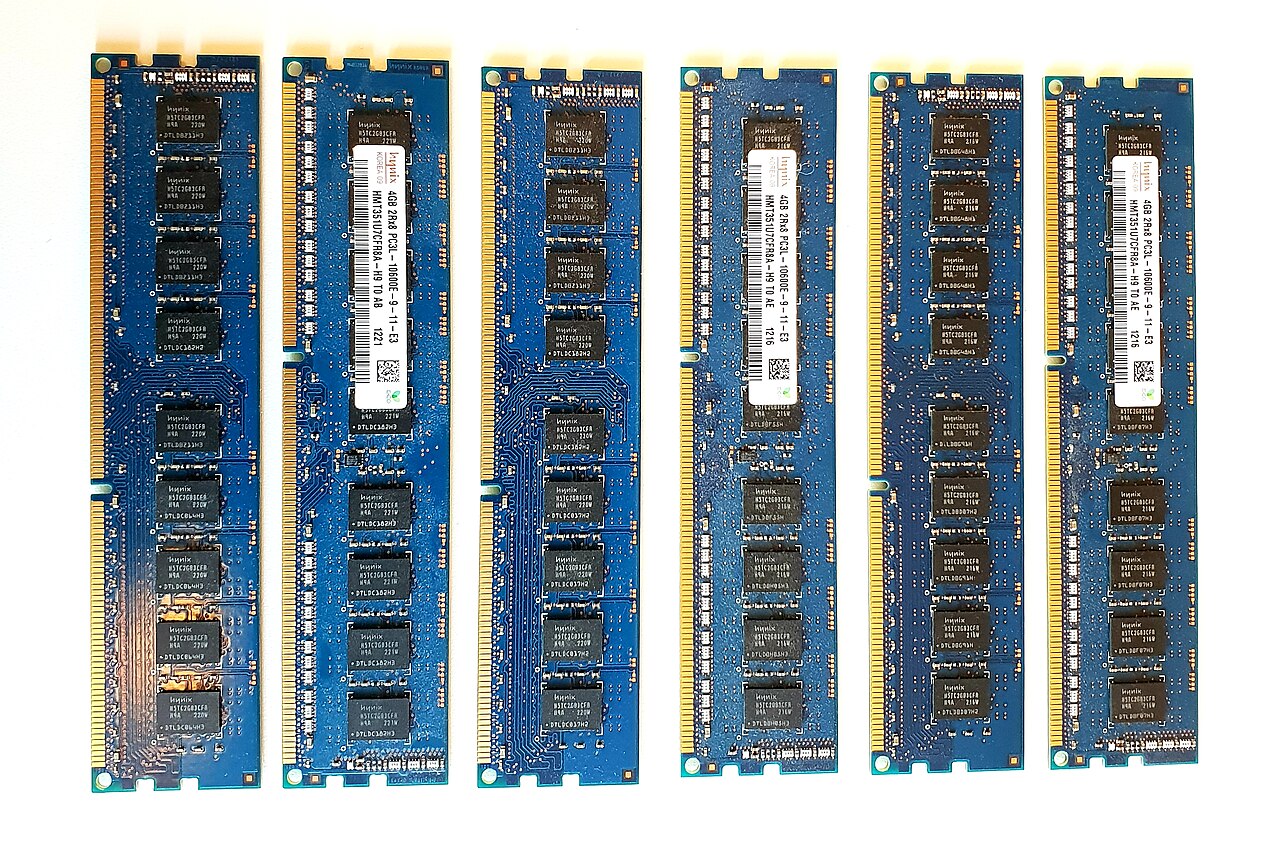
DDR4 and DDR5 desktop memory modules have different electrical requirements and notch positions. A DDR4-only motherboard cannot accept a DDR5 DIMM, and trying to force the module risks damage. The fact that some processor families support both generations does not mean one motherboard has interchangeable sockets. Look up the exact motherboard specification and supported memory generation before ordering new RAM.
Match the CPU, board and memory together
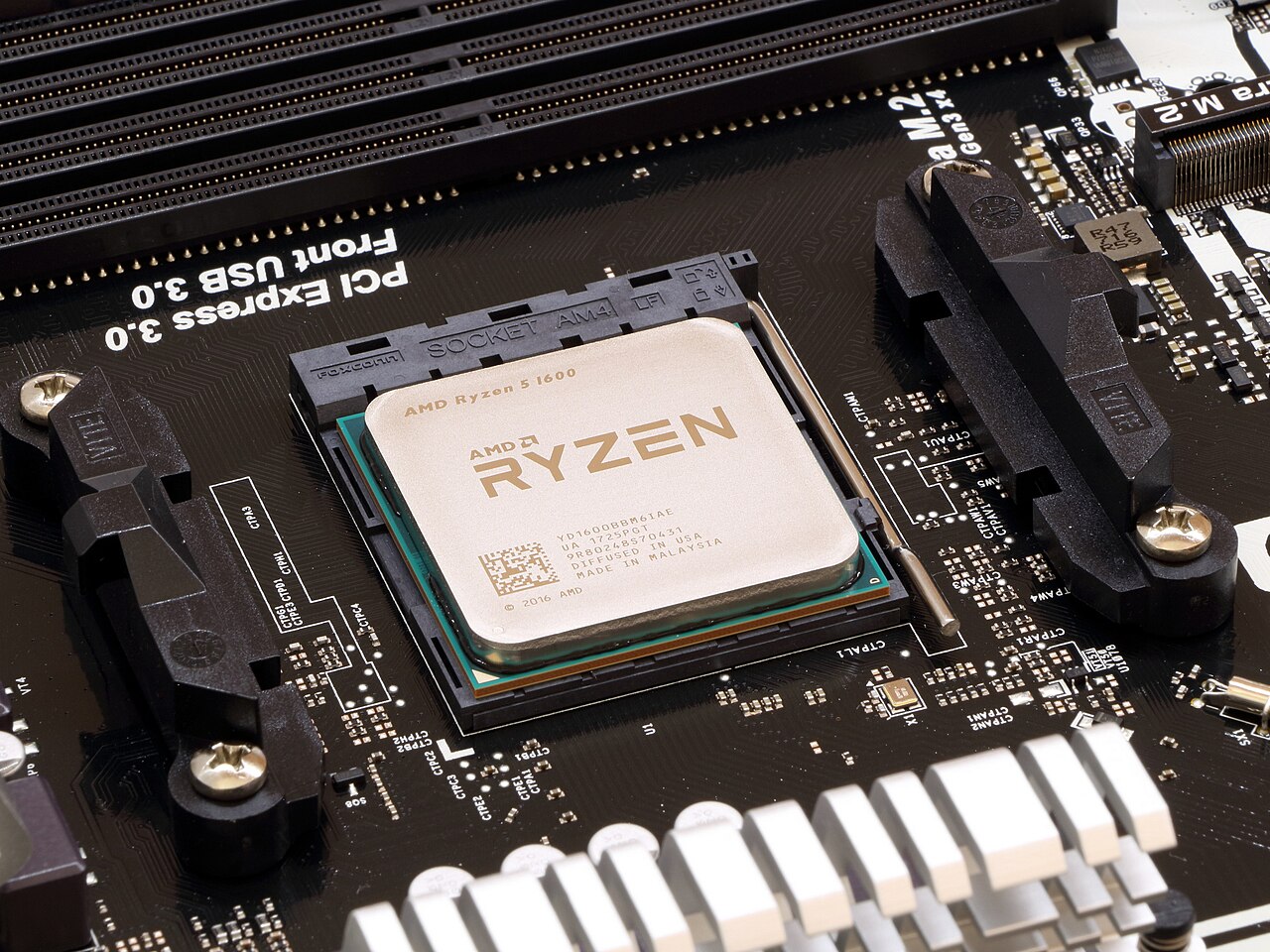
An upgrade to DDR5 generally requires a DDR5-capable motherboard and a compatible processor. Check the manufacturer support list and firmware recommendations, especially for high-density or high-frequency kits. A laptop may use SO-DIMM or soldered memory and have no user-replaceable RAM at all. Read its official service manual. Do not use speed labels alone to infer whether a kit is supported.
Capacity is often more important than headline frequency
For everyday browsing and office work, running out of memory creates a more noticeable slowdown than using a slightly slower supported RAM kit. Watch actual memory usage during your work before paying for more speed. DDR5 offers higher bandwidth and newer platforms can benefit, but application performance varies with processor, timings and workload. Compare realistic benchmarks for your specific tasks, rather than relying on a marketing number printed on the box.
Avoid mixing mismatched RAM kits when stability matters
Even two DDR4 kits of the same nominal speed can use different memory chips and timings. Combining kits may cause failed starts, lower frequencies or intermittent crashes. Matched kits from the motherboard compatibility list are usually the safer choice. Follow the manual for which slots to populate and enable XMP or EXPO only after confirming that the system boots normally at its default settings. A profile above baseline specification is a form of overclocking and is not guaranteed.
Make the purchase decision in context
If your existing DDR4 system has enough RAM and performs well, replacing the motherboard, CPU and memory solely to obtain DDR5 may be poor value. If building a new system or doing memory-heavy creative work, a modern DDR5 platform may make more sense. Decide on the whole platform budget and upgrade path before comparing kits. Always verify that the memory is available and compatible with the actual machine you own.
Information for general education. Check device specifications and manufacturer instructions before changing hardware.
Share this article