Start with the task, not the connector
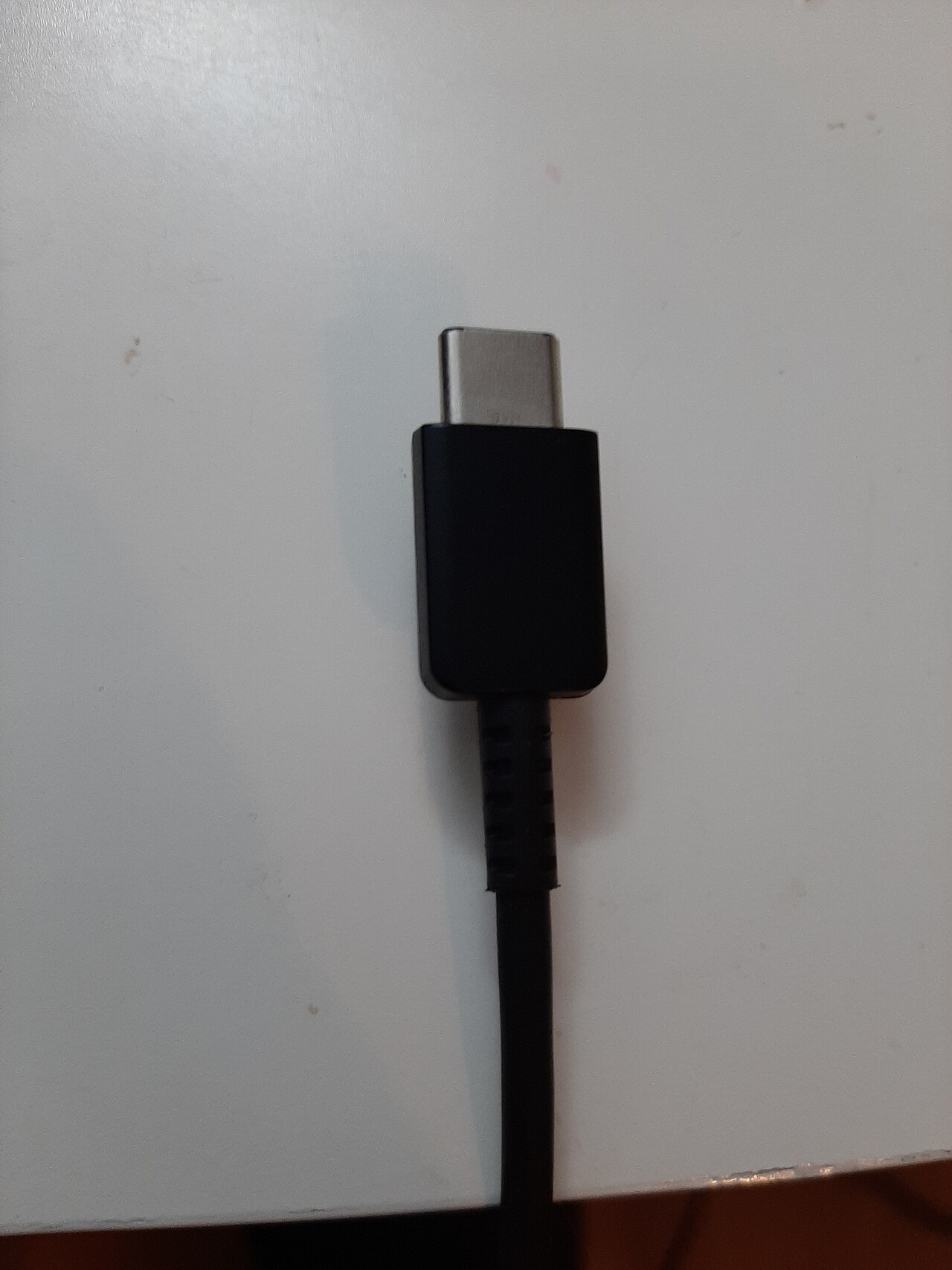
Write down what you want to connect: a charger, an external drive or a monitor. USB-C describes the connector shape, not a promise that every feature is present. A cable that charges a phone may be a poor match for fast storage. Treat power, data speed and video as three separate checks on your shopping list.
Read power and data ratings separately
Look for the manufacturer's stated power capability and data rate. A wattage marking does not tell you transfer speed. The charger and device must also support the required charging arrangement. Keep the packaging or a photograph of its specifications so that later you can distinguish similar-looking cables without guessing from thickness or colour.
Check the port before connecting a screen
For video, inspect the computer's port specifications and the monitor or dock requirements. DisplayPort over USB-C needs support along the relevant connection; a USB-C socket alone proves little. If the display stays dark, use a known compatible cable directly between supported devices before adding adapters. Consult the exact model's manual rather than assuming all ports behave alike.
Diagnose one link at a time
Label the cable that works and repeat the same task with the suspect cable. For a drive, compare transfers of the same file; for charging, keep the device and charger unchanged. Record which combination fails. This small test matrix helps separate a cable limitation from a dock, port or device problem without replacing several parts at once.
Keep useful cables identifiable
Store cables by verified use, such as monitor, backup drive or phone charging. Avoid tight bends at the connector and retire cables with damaged insulation or loose plugs. If a connection becomes unusually hot or intermittent, stop using it and inspect the equipment. Do not force a plug or improvise an adapter to overcome a compatibility problem.
Information for general education. Check device specifications and manufacturer instructions before changing hardware.
Share this article