Measure the problem instead of guessing
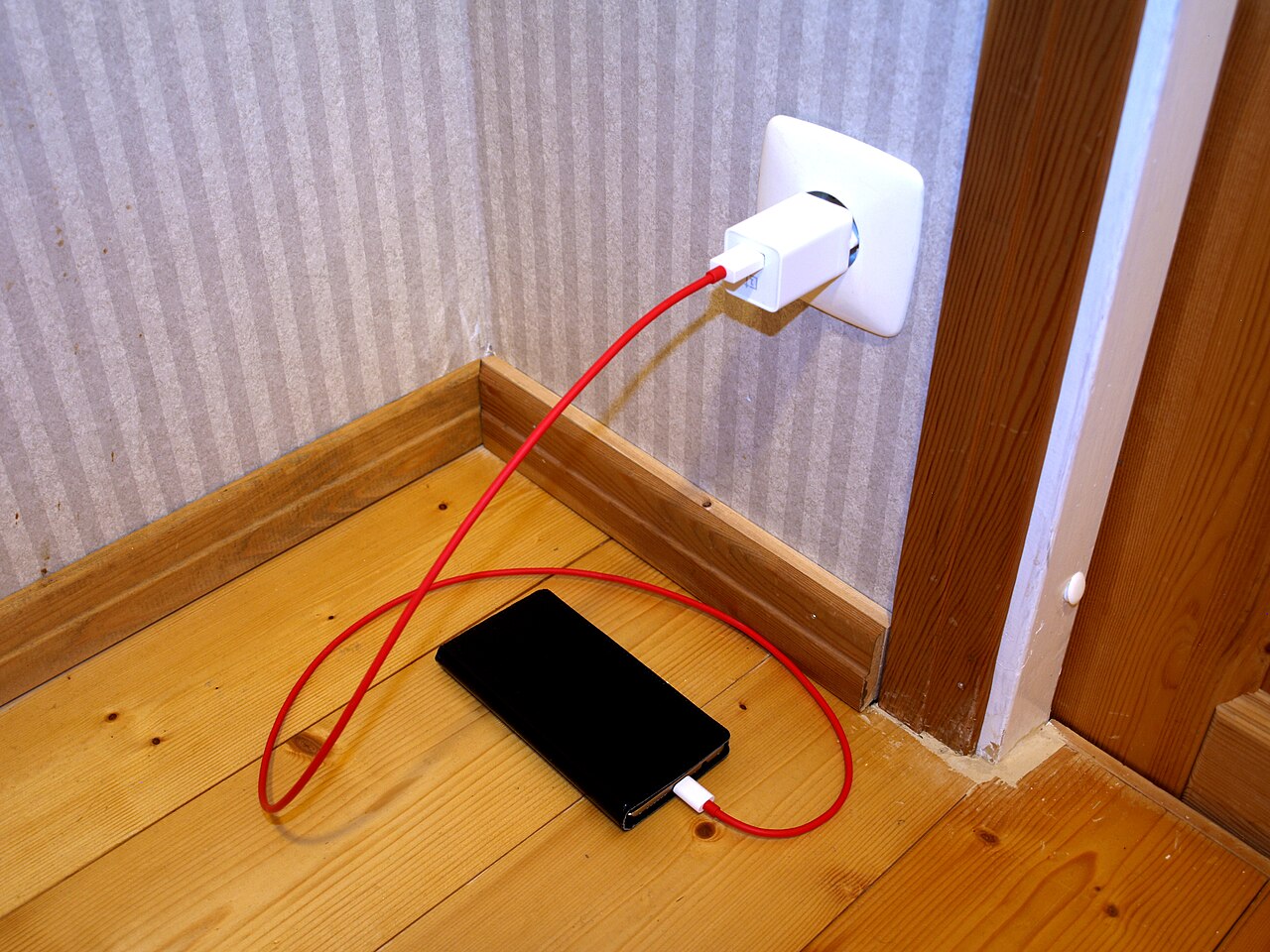
Charging rates vary with battery percentage, temperature, screen use, charger output and device support. A phone may charge quickly while the battery is low and more slowly near full charge; that is often intentional protection rather than a fault. Make a simple test: note battery percentage, turn the screen off, connect a trusted wall charger and check again after 15 to 20 minutes. Compare with the same conditions another day. A charging-time estimate is not a guaranteed promise, and background activity can change results.
Try a compatible adapter and cable
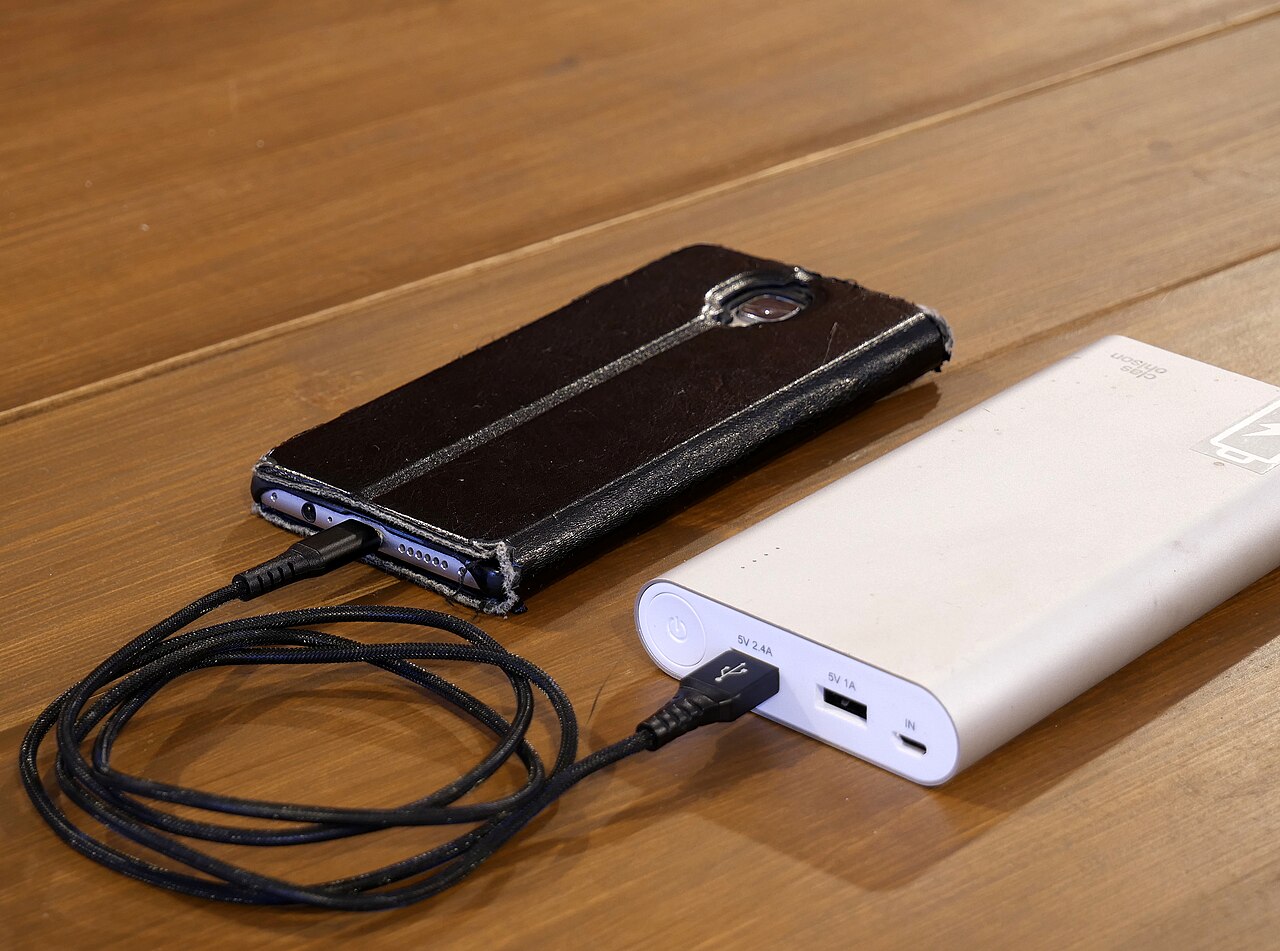
A high-wattage number on an adapter does not mean every phone will draw that power. The charger, cable and phone must share a supported charging protocol and power profile. Try a known-good cable and manufacturer-compatible wall charger before buying anything. Avoid frayed cables, bent plugs, heat-damaged adapters and unknown fast-charging accessories. USB ports on older computers and some cars can supply much less power than a suitable wall adapter, so they are poor benchmarks for charging speed.
Look at the charging port safely
Pocket lint and dirt can prevent a plug from seating securely. Disconnect the cable and inspect the phone’s USB port with good light. Do not push metal objects, liquids or sharp tools inside. If the connection feels loose, shows corrosion or will only charge at a particular angle, stop forcing the cable and seek an authorized repair assessment. Repeatedly inserting a damaged plug can worsen the problem. If the phone reports moisture detected, follow the manufacturer’s drying advice rather than trying to override the warning.
Heat and cold change charging behavior
Fast charging generates heat. Gaming, direct sunlight, a thick insulating case or a hot room can cause the phone to lower charging power. Let the phone cool naturally in a shaded, ventilated place and avoid charging under a pillow. Do not place electronics in a refrigerator or freezer to cool them. Very low temperatures can also affect charging. Swollen batteries, a burning smell, crackling sounds or unusually hot hardware are signs to disconnect power if safe and contact qualified service immediately.
Check software and battery protection
Battery protection, scheduled charging or adaptive charging may deliberately slow or pause charging near a selected percentage. Look in your phone’s Battery settings, compare behaviour with the screen off and install official system updates. The exact menu differs between Android brands and iPhone models. If charging becomes slow only while streaming video or using navigation, the phone may be consuming much of the incoming power. Do not disable protective features permanently just to obtain a faster number on the display.
When the battery or port needs service
If two proven chargers and cables give the same poor result in a cool room while the screen is off, arrange a professional diagnostic check. The cause could be a worn battery, damaged USB connector or internal charging circuit; a web article cannot identify which part failed. Back up important data before repair. For related storage and device maintenance, see /guides/phone-storage-full-safe-cleanup/ and /guides/organize-family-photo-archive/ on MURDILIMAX.
A general educational overview, not a substitute for professional guidance. Check current local rules and trusted primary sources before making consequential decisions.
Share this article