Check whether the bottleneck is the internet or Wi-Fi
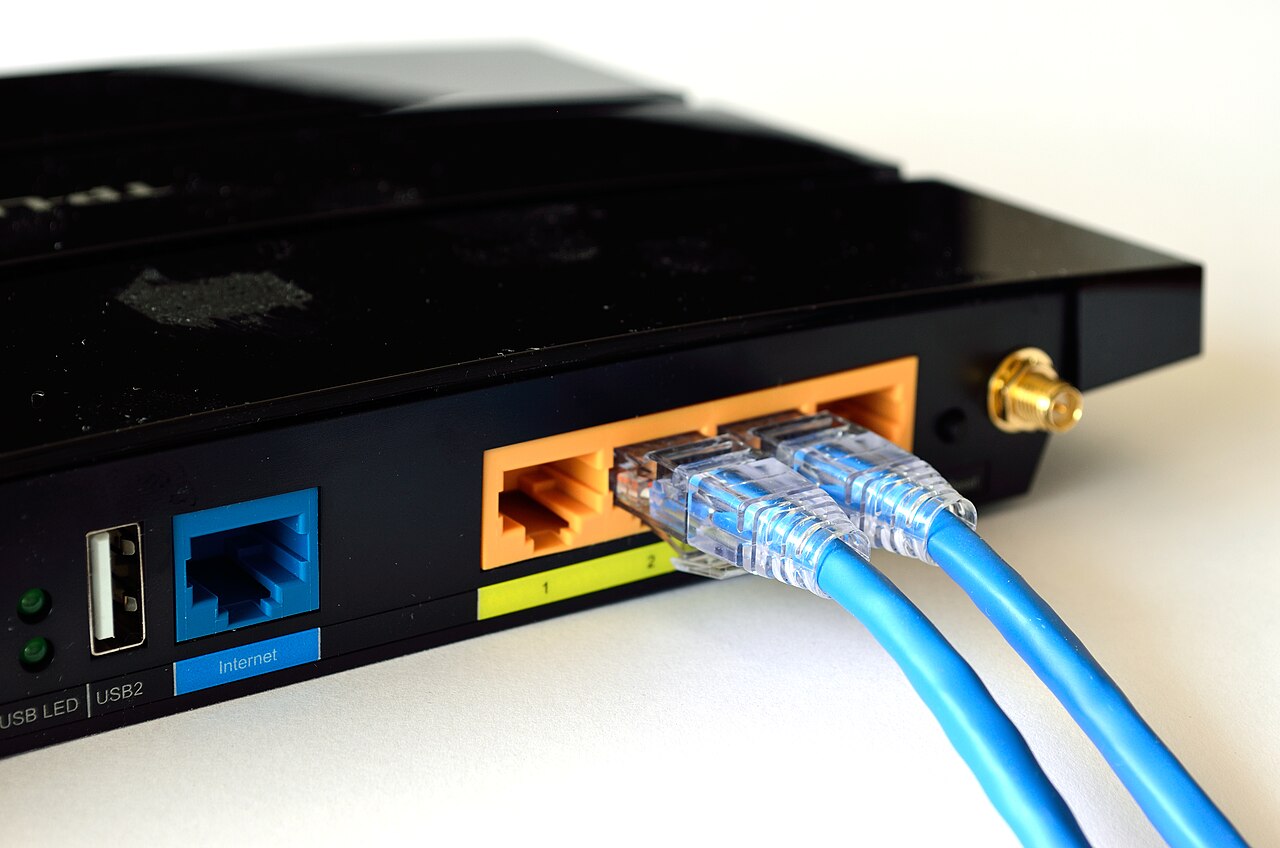
Test internet speed over Ethernet on a computer connected directly to the router, then repeat over Wi-Fi beside it. Run several tests at different times with the same service and without large downloads in the background. If Ethernet is also slow, inspect the ISP plan, modem and connection before replacing wireless gear. If only Wi-Fi is slow, investigate signal strength, congestion and device capability. Remember that local file-transfer speed and internet speed are different measurements.
Give the router a better position
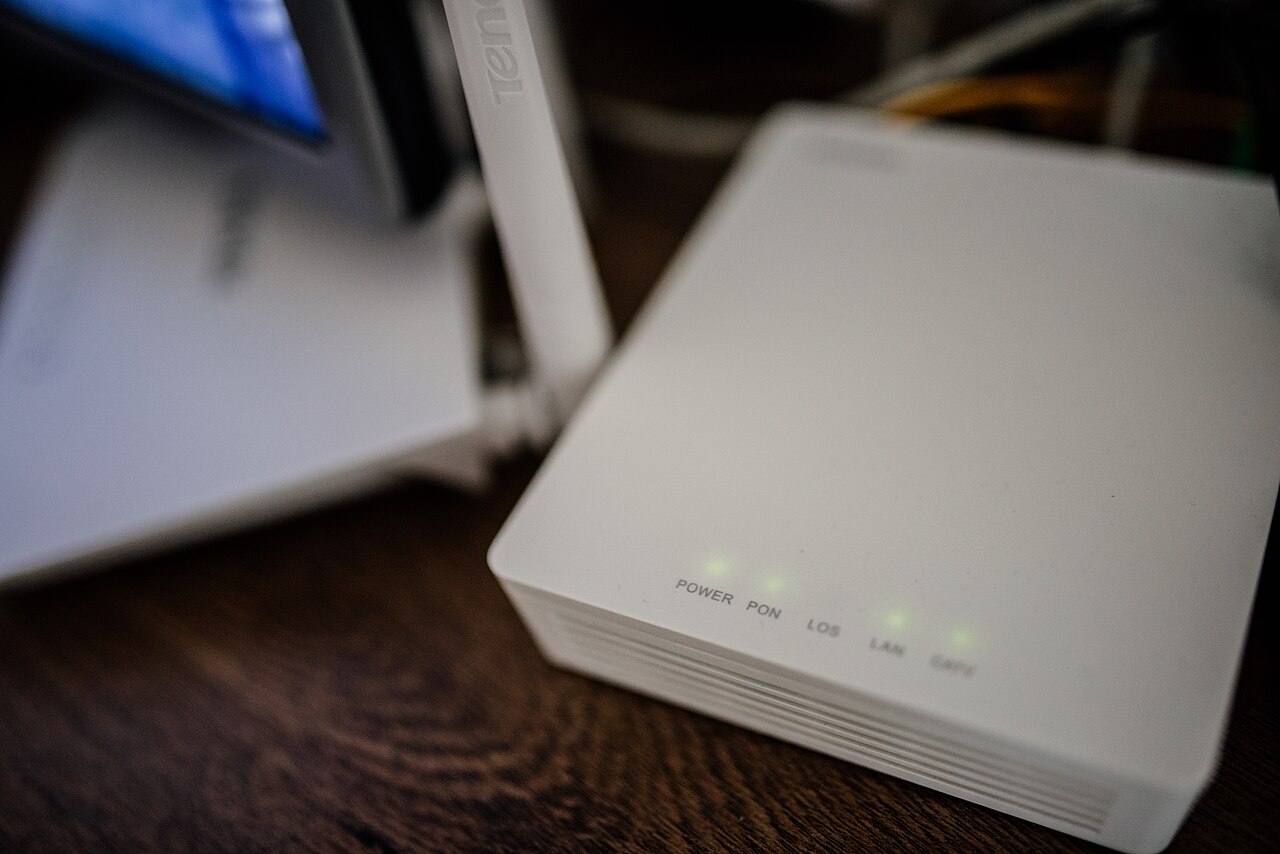
Place the router in an open, central and reasonably elevated position rather than behind a TV, inside a cupboard or close to thick concrete walls. Metal, appliances and dense obstacles can weaken signals. Move one laptop or phone to the same room as the router to see whether distance is the cause. A mesh access point can help distant rooms, but wireless mesh nodes also need a strong connection to each other; an Ethernet backhaul is often more reliable.
Choose the right wireless band and channel
The 2.4 GHz band usually travels farther and passes through obstacles better, but it can be congested. The 5 GHz band often supports higher speeds over shorter distances. Wi-Fi 6E adds 6 GHz when both router and device support it, with still shorter practical range. If automatic band steering behaves badly, temporarily use distinct network names to test each band. On 2.4 GHz, channels 1, 6 and 11 avoid overlap in many regions; local rules and router settings still matter.
Check devices, updates and connected clients
Update router firmware through its official administration page and keep phone or computer wireless drivers current. Restart a stuck router and compare at least two client devices. If one device alone is slow, its antenna, driver or power-saving mode may be the cause. Inspect the router client list for unexpectedly busy devices, backups or downloads. Secure the network with a modern WPA2-AES or WPA3 password and disable outdated security modes when your devices allow it.
Decide what equipment, if any, to change
Upgrade only after the tests identify a limitation. An older device cannot gain newer Wi-Fi features simply because the router is replaced. For a large home, improved access-point placement or wired backhaul may help more than a premium single router. Save test results from the same room and compare with the realistic speed of your internet plan; advertised router maximums are laboratory numbers, not guaranteed whole-home download speeds.
A general educational overview, not a substitute for professional guidance. Check current local rules and trusted primary sources before making consequential decisions.
Share this article