What the 3-2-1 rule actually means
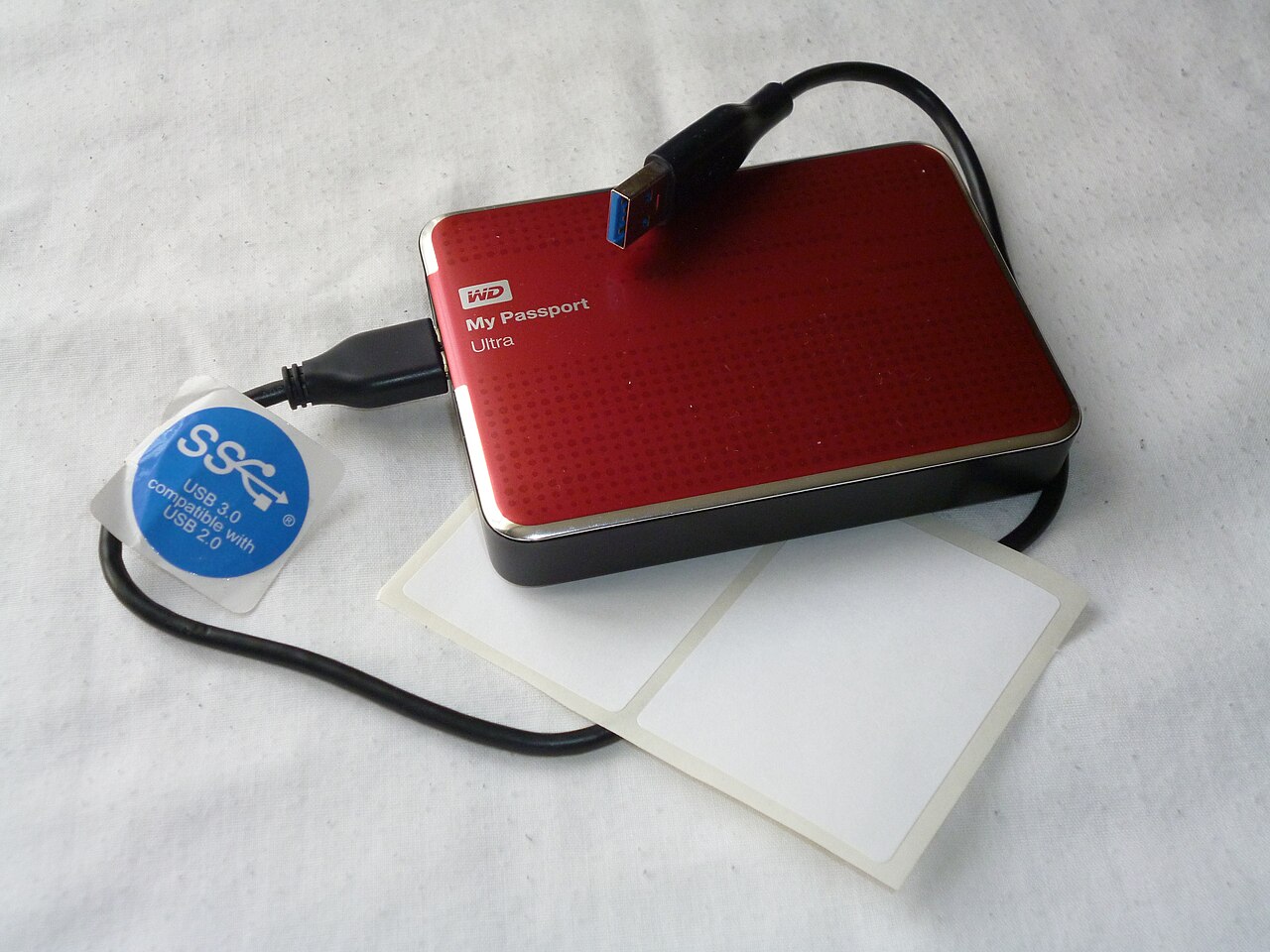
Keep three copies of important data: the live working version and two independent backups. Store those copies on at least two different kinds of storage or systems, and keep at least one off-site. For example, your laptop can hold the originals, an external USB drive can hold one backup, and encrypted cloud storage can hold another. Simply synchronizing folders between devices is not always a backup: deletion or ransomware can spread to synchronized copies.
Choose what and how often to back up
List the data you could not easily recreate: family photos, documents, invoices, passwords exports and project files. Choose a frequency based on how much work you can afford to lose; for some people daily is enough, while active projects may need automatic versioned backups. Include important files that are not in the usual Documents folder and remember phones, tablets and application settings. Avoid backing up sensitive credentials in plain text.
Keep the second and third copies truly independent
An external drive that stays connected all the time can be affected by malware, theft or a power event along with the computer. Disconnect a finished backup where practical, and keep an off-site copy in another location or a properly protected cloud account. Use encryption for sensitive files and protect the cloud account with multifactor authentication. Check available storage, retention settings and whether old file versions can be recovered after accidental deletion.
Test a restore rather than trusting a green check mark
At least occasionally restore a few files into a temporary folder and open them. Confirm that photographs, documents and project archives are usable, not simply present in the backup list. Keep a short recovery checklist and know where your encryption keys and account recovery options are stored. A backup is only reliable when you can restore it, especially after changing computers or backup software.
Start with a realistic home setup
A simple starting plan is an automatic encrypted cloud backup plus a periodic external-drive copy, with your working files on the computer. Enable version history when available, review alerts for failed jobs and inspect the result after major changes. If your internet connection is slow, seed the first upload over several days while keeping a local backup. Adjust the plan for sensitive information, available budget and the storage you actually use.
A general educational overview, not a substitute for professional guidance. Check current local rules and trusted primary sources before making consequential decisions.
Share this article