Check whether the problem is Wi-Fi or broadband
Run a speed test near the router and, if possible, on a computer connected by Ethernet. Repeat the test in the room where you notice trouble and at several times of day. If the wired connection is also slow, contact your broadband provider or investigate the service before buying a repeater. If wired performance is fine but a distant bedroom has poor reception, work on wireless coverage instead. Keep a short note of download speed, connection stability and device location so you can compare changes.
Start centrally and above floor level
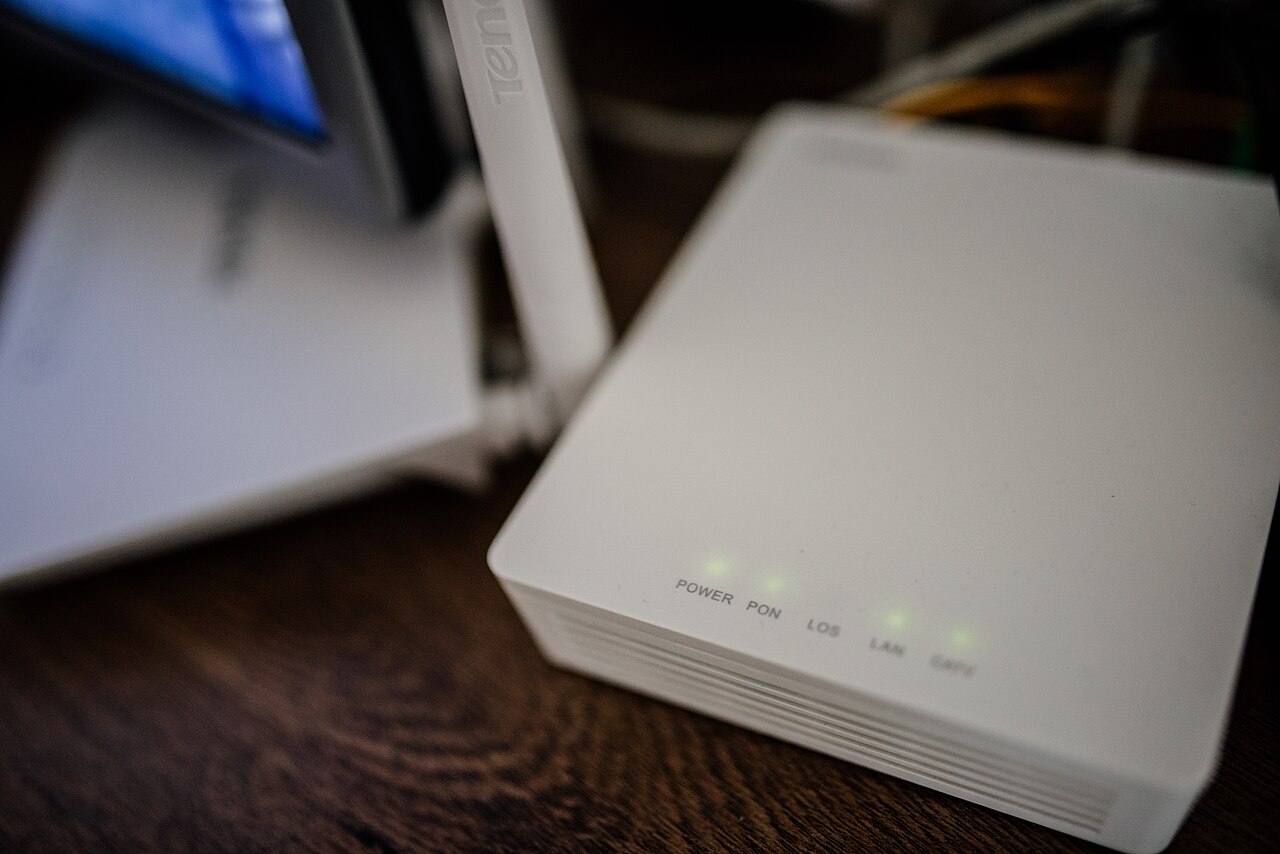
Routers generally send radio signals in several directions. Try placing yours on a stable open shelf, near the centre of the rooms that need service, rather than behind a television, under a desk or at the far edge of the building. Thick brick and concrete walls weaken signals; metal furniture, mirrors and aquariums may also interfere with coverage. Do not hide the router in a sealed cabinet that traps heat. Keep cables secure and make sure its ventilation openings remain free.
Separate interference from distance
Microwave ovens, baby monitors and cordless equipment may affect some wireless connections, particularly on the 2.4 GHz band. Move the router away from these devices and test again. When the router offers both 2.4 and 5 GHz bands, remember that the faster higher-frequency option may have a shorter useful range through walls. Automatic channel selection can help, but do not change several advanced settings at once. Make one adjustment, then revisit the same test locations to see whether it improved actual use.
Decide between Ethernet, mesh and extenders
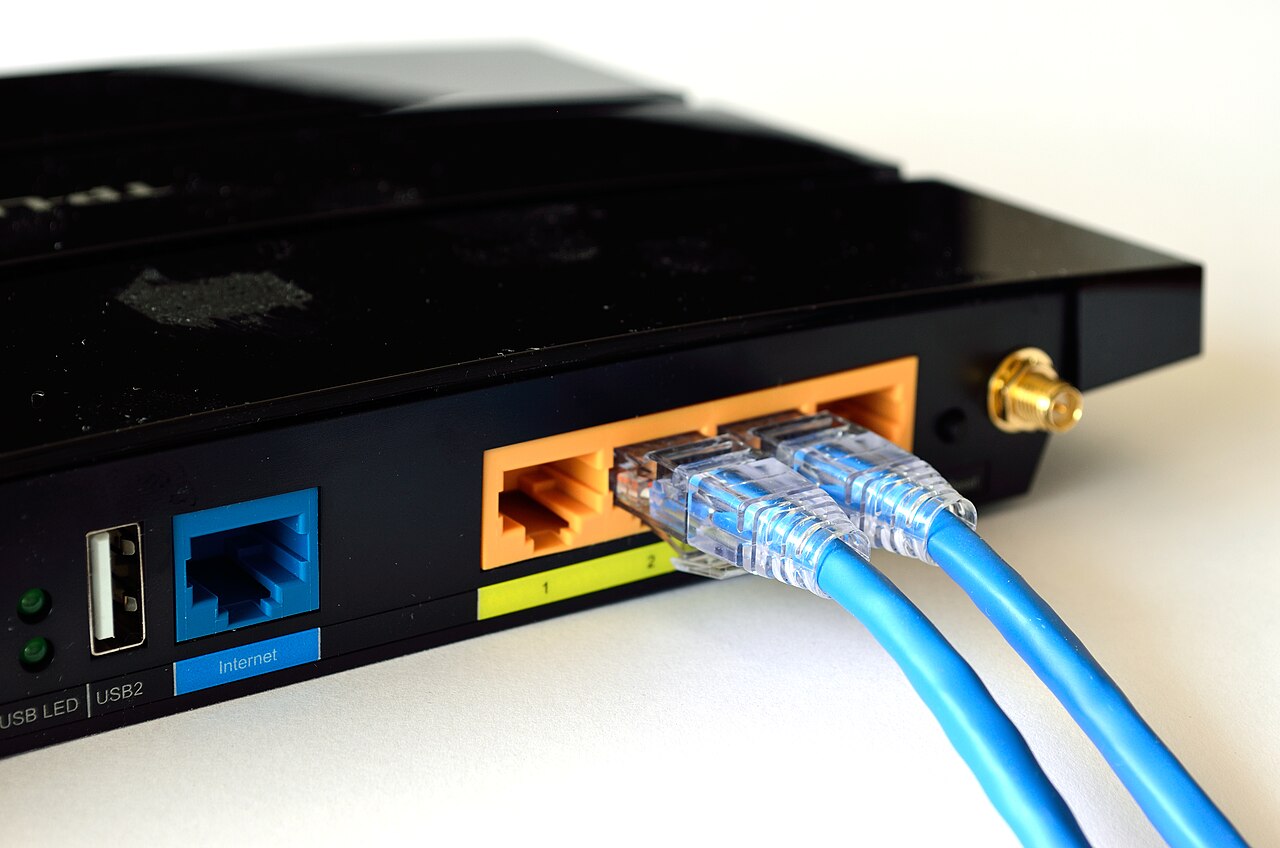
A desk computer or television that stays in one place may work best with an Ethernet cable. For a large home, a mesh system with correctly located nodes can improve coverage, but every additional wireless hop has limits. A cheap repeater placed in a room that already has almost no signal cannot magically create a strong connection. Put an extender where it still receives good service from the main router and check whether the resulting speed and latency are acceptable. In rental homes, avoid drilling or permanent cabling without permission.
Verify the result and keep the network secure
Retest each problem room while making a video call or using another activity that previously failed. Update router firmware using the manufacturer's official instructions, choose WPA2-AES or WPA3 where supported, and change default administrator credentials. Never turn off Wi-Fi security to gain a little speed. If connections drop only on one device, update its wireless software before replacing the router. Write down the final router position and the measurements so you can identify future regressions.
A general educational overview, not a substitute for professional guidance. Check current local rules and trusted primary sources before making consequential decisions.
Share this article