A password manager solves password reuse
A password manager keeps unique credentials in an encrypted vault and can generate difficult-to-guess passwords for each website. The main benefit is that a breach at one service should not automatically expose your other logins. Choose a reputable manager that supports your devices, lets you export data safely and explains its account recovery model. Its master password must be long and unique; protect the account with its strongest supported second factor.
A passkey is not just a shorter password
Passkeys use public-key cryptography. The website stores a public key, while the private key stays with your device or credential provider. The browser and operating system verify the website origin, so a fake login page cannot simply ask you to type the secret as it could with a password or one-time code. You often confirm sign-in with a fingerprint, face unlock or device PIN. The biometric data itself is not sent to the website to prove your identity.
Where passkeys live matters for recovery
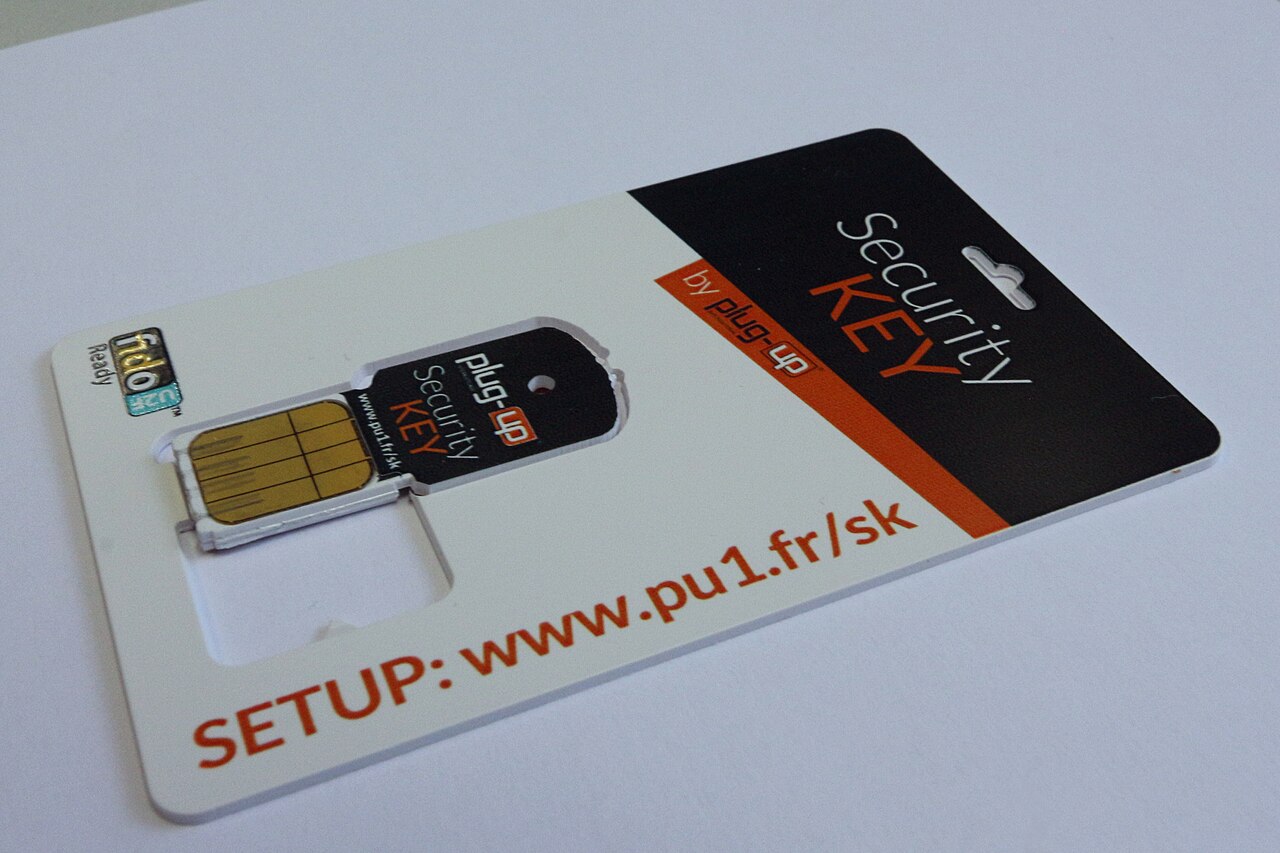
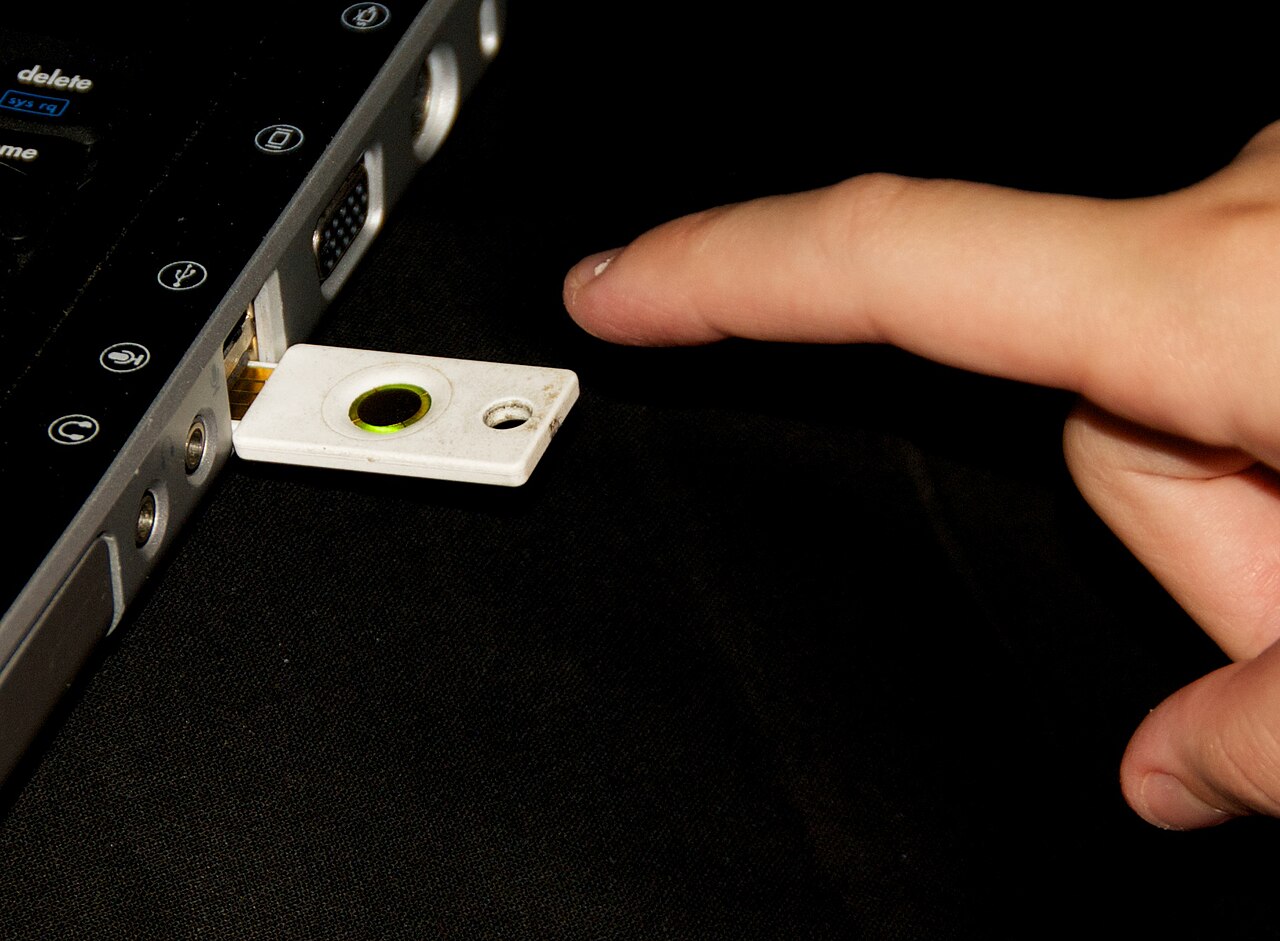
A passkey may live in your phone or computer, a synchronized credential manager, or a dedicated hardware security key. Device-bound and synced solutions have different portability and recovery trade-offs. Check whether your provider synchronizes passkeys across platforms, how it protects that synchronization and what happens if the only device is lost. Never assume that creating one passkey on one phone automatically gives you working access on another device.
Do not confuse passkeys with authenticator codes
An authenticator app generates time-based verification codes. Codes add a useful extra step to a password login but can be phished by a convincing fake website or real-time attacker. A passkey or FIDO2 security key offers stronger resistance to that attack. Some services still keep password or SMS fallback sign-ins active; review those account settings rather than assuming that a new passkey switched every weaker route off.
A sensible setup for real life
Begin with your primary email and password manager, then add passkeys for other important sites that support them. Keep a second verified way back into those accounts, such as secure recovery codes or a registered backup key. Lock your devices and keep them updated. If you lose a phone, sign in from a trusted remaining device, remove the lost device or its passkeys in the provider settings, and follow the official recovery process if no other login is available.
A general educational overview, not a substitute for professional guidance. Check current local rules and trusted primary sources before making consequential decisions.
Share this article