A QR code hides a link, not proof of trust
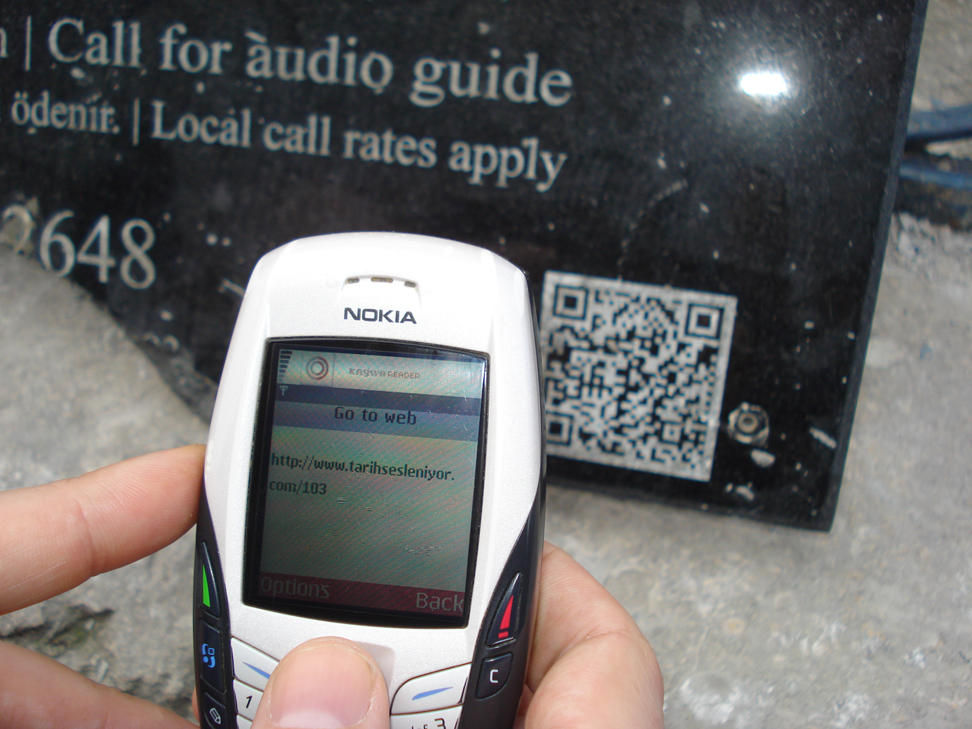
A printed square can direct your phone to almost any website. Scammers sometimes cover legitimate parking-meter codes with their own stickers and imitate payment pages. A professional-looking site and an HTTPS padlock do not automatically mean it belongs to the real operator.
Inspect the destination first
Many phone cameras preview a website address before opening it. Read the actual domain name carefully: letter swaps, extra words and unusual endings can be signs of impersonation. If the code looks pasted over another sticker, consider an official app or contact the operator.
Treat unsolicited QR messages with caution
A text or email saying that you must scan immediately to fix a delivery, security alert or account problem can be phishing. Open the company's official app or type its known address instead. Never enter a password or payment details just because a QR landing page asks.
If you already entered information
Change compromised passwords through the real service, enable multifactor authentication and review payment transactions. Contact your bank using a trusted channel if card data was entered. Follow local fraud-reporting procedures; simply closing the page does not undo information already submitted.
A general educational overview, not a substitute for professional guidance. Check current local rules and trusted primary sources before making consequential decisions.
Share this article