Ryzen AM4 Compatibility Checker
Check Ryzen CPU support and the listed minimum BIOS for seven ASUS AM4 motherboards.
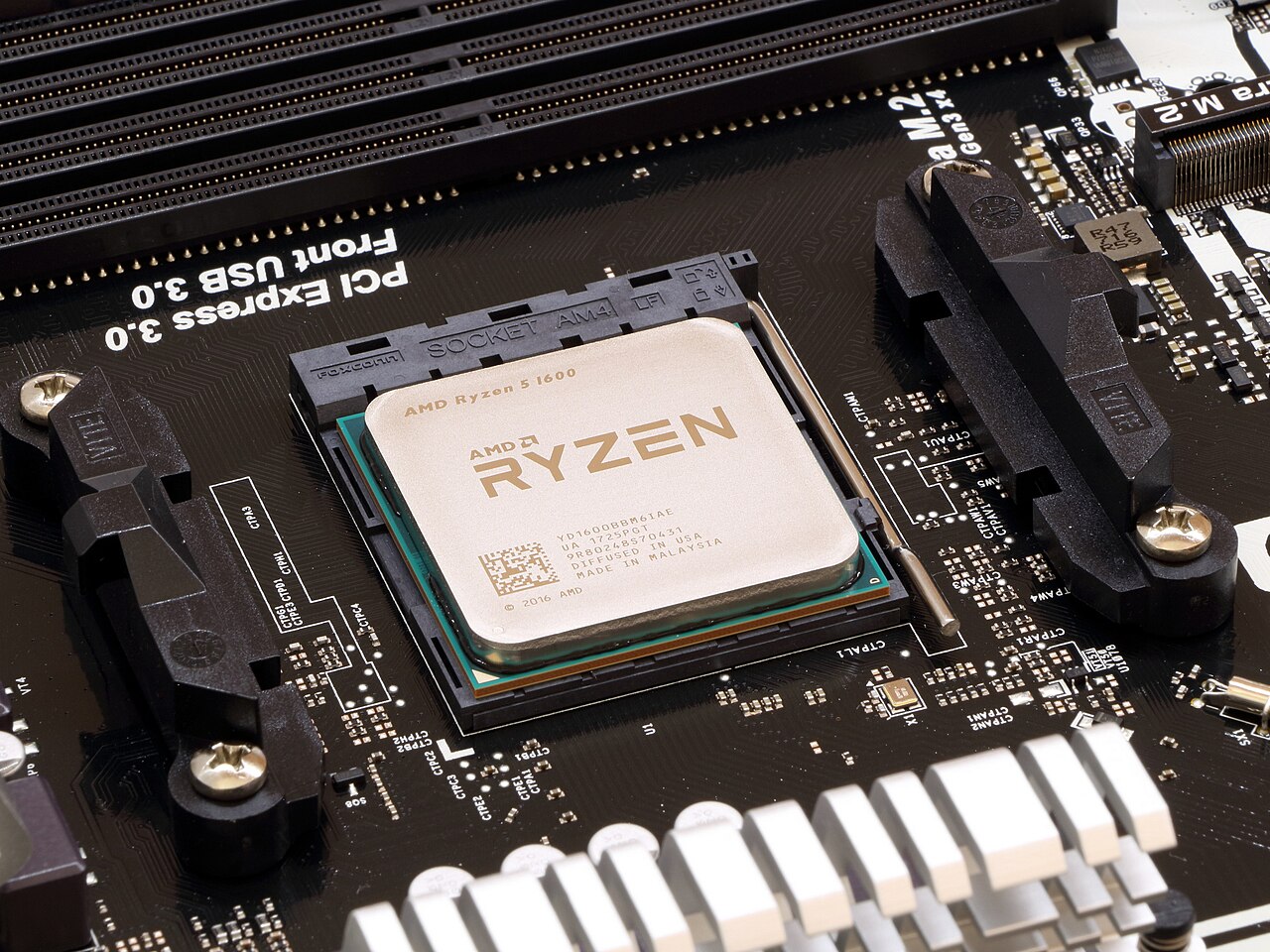
Check your board and CPU
ASUS lists support from BIOS
Find your model in Windows
Press Win + R, enter msinfo32 and open System Summary. Look for these fields:
BaseBoard Manufacturer
ASUSTeK
BaseBoard Product PRIME B450M-A II
BIOS Version/Date 3211
Match the complete model name, including II or Wi-Fi. For an OEM PC, check the PC manufacturer’s support page.
Before swapping CPUs, compare your installed BIOS with the support table and follow ASUS instructions for the exact board. The listed minimum is the first validated version.
Compare CPUs for your board
| Processor | Minimum BIOS | Integrated graphics | Installed BIOS |
|---|---|---|---|
| Ryzen 5 5600 | No | ||
| Ryzen 5 5600G | Yes | ||
| Ryzen 7 5800X3D | No | ||
| Ryzen 7 5700X3D | No |
Minimum BIOS by motherboard and processor
| Motherboard | Ryzen 5 5600 | Ryzen 5 5600G | Ryzen 7 5800X3D | Ryzen 7 5700X3D |
|---|---|---|---|---|
| ASUS PRIME B450M-A II | 3211 | 2409 | 3211 | 3802 |
| ASUS TUF GAMING B550-PLUS | 2423 | 1401 | 2423 | 2803 |
| ASUS ROG STRIX B550-F GAMING | 2423 | 1401 | 2423 | 2803 |
| ASUS TUF GAMING B450-PLUS II | 3211 | 2409 | 3211 | 3802 |
| ASUS PRIME B550M-A | 2423 | 1401 | 2423 | 2803 |
| ASUS TUF GAMING B550M-PLUS | 2423 | 1401 | 2423 | 2803 |
| ASUS ROG STRIX B450-F GAMING II | 4801 | 4402 | 4801 | 5302 |
Coverage: seven exact ASUS desktop boards and four CPUs. For any other combination, open the support page for your board.